How to test Praqtor Imagine
Five steps. You choose a finished template, say what should be different, and get your own version back in about two minutes — with pictures of it before you decide whether to keep it.
Browse the templates
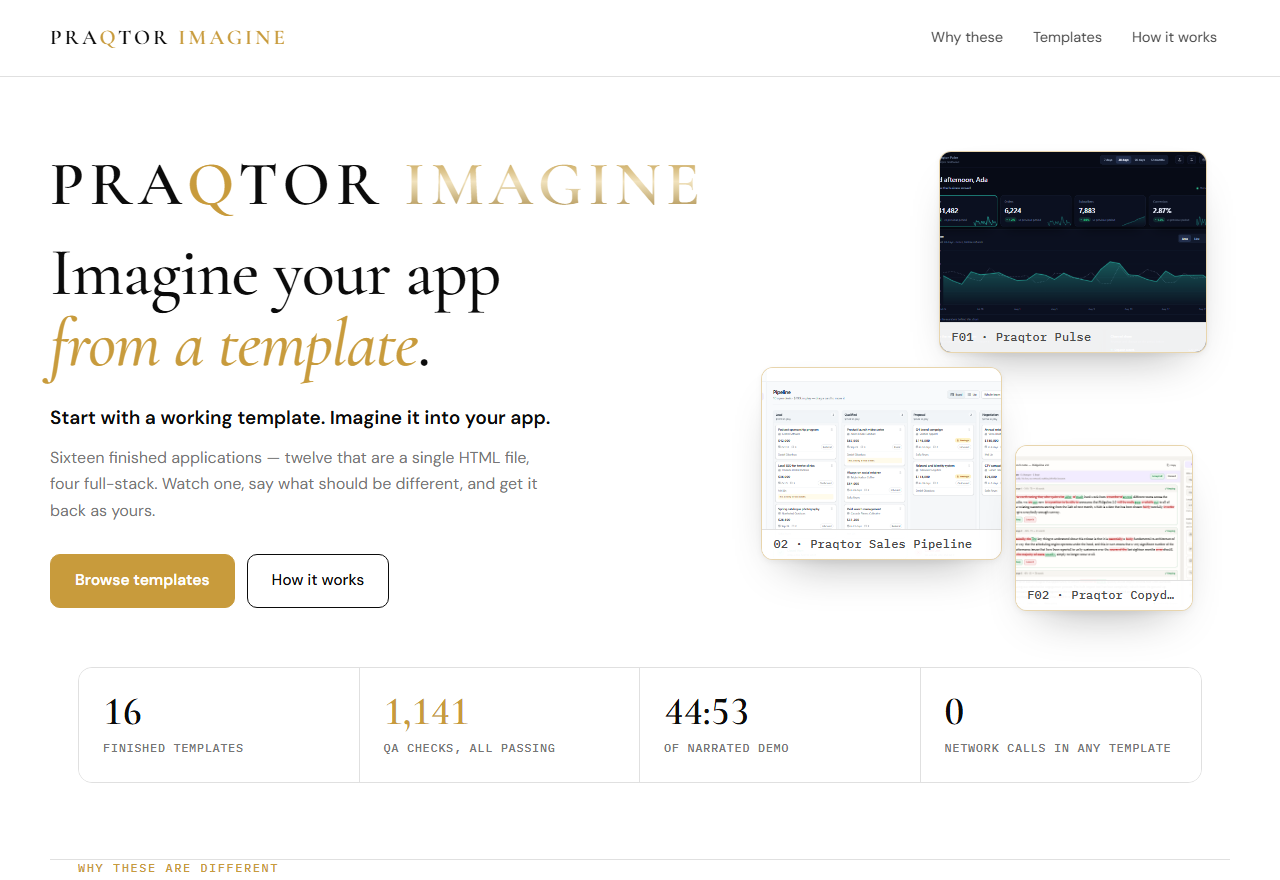
Sixteen finished applications, each with its own name, its own screens and its own demo data. Watch the walkthrough or open any of them and click around — everything is browsable without a code.
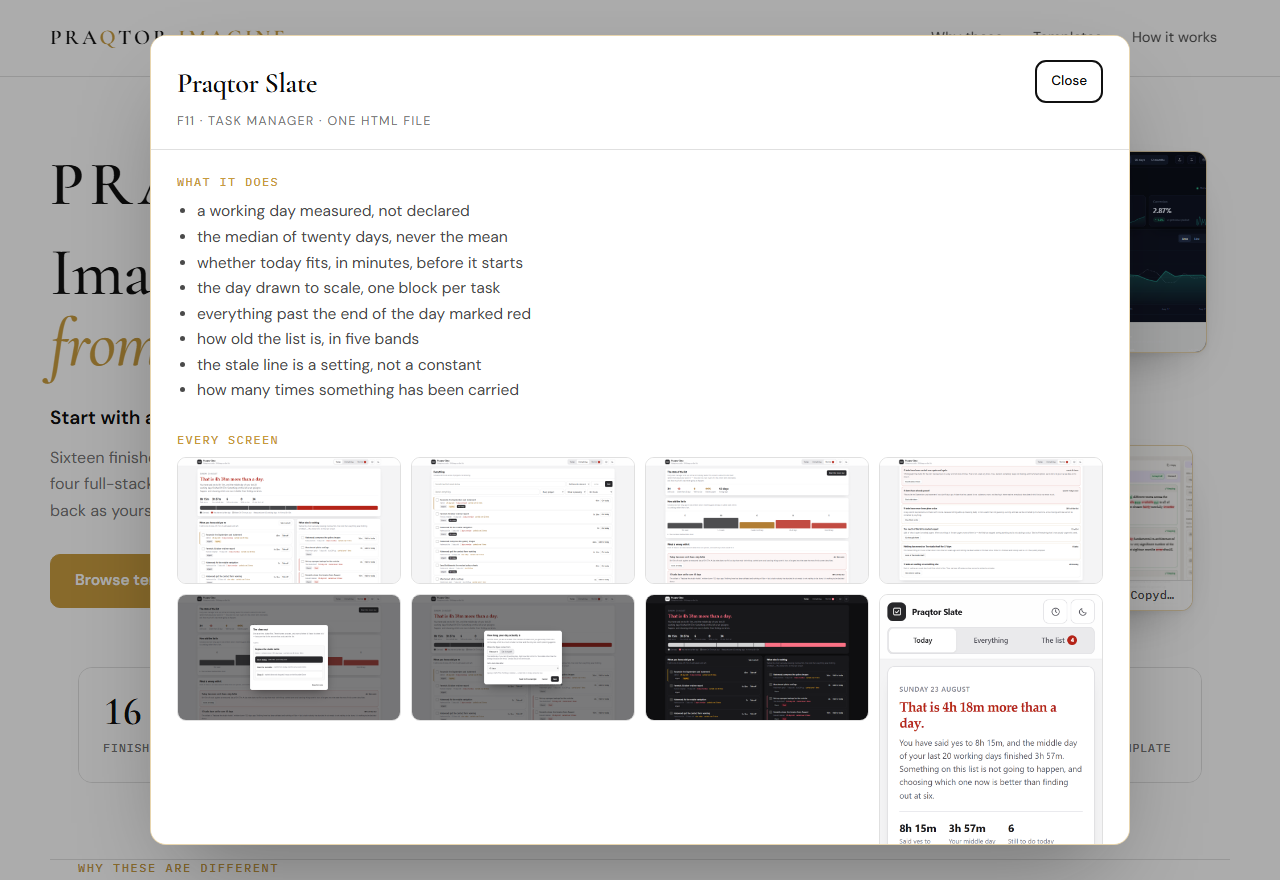
Open Slate and read what it does
Each template says what it is, what it does, how many QA checks it passes, and shows every screen. Slate measures the working day you actually have and tells you whether today fits in it.
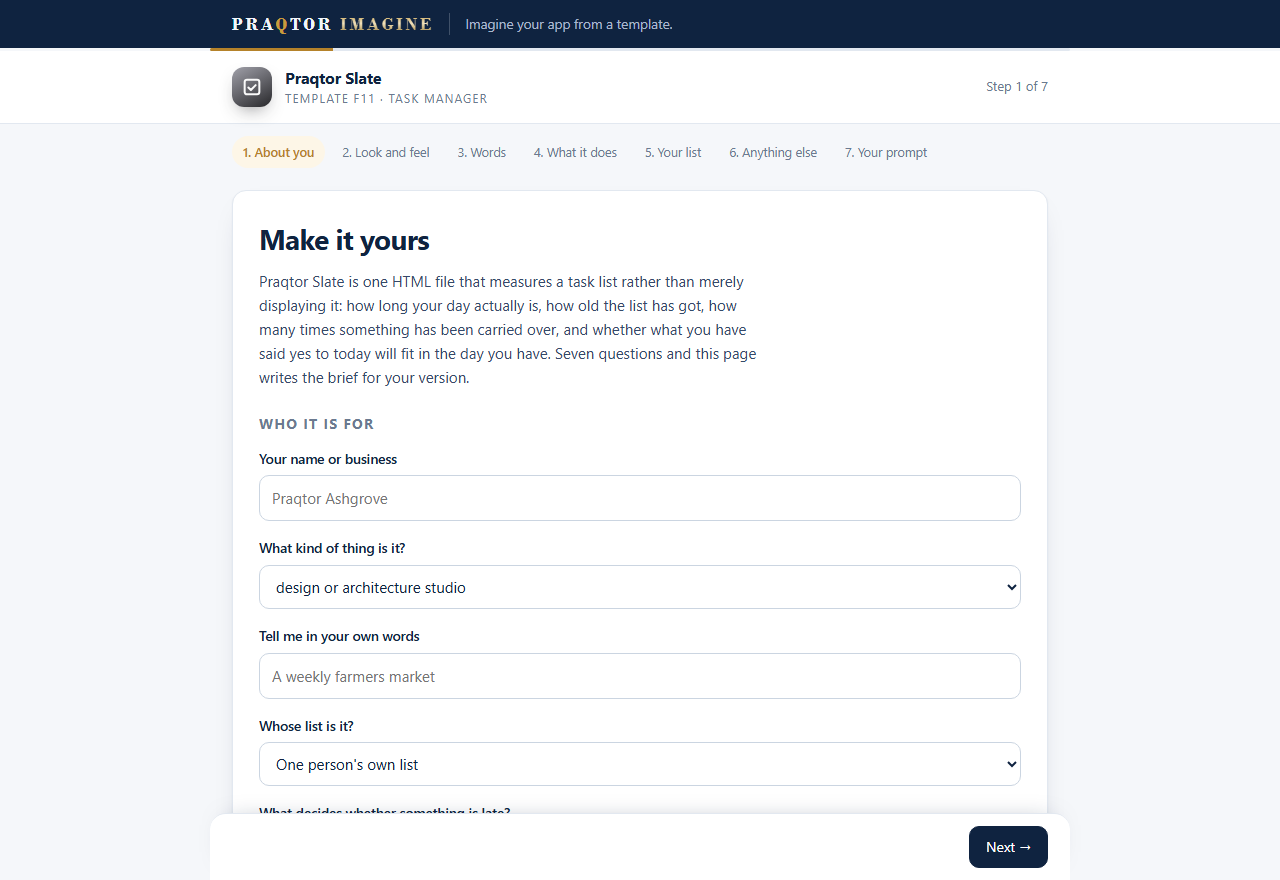
Write your brief with the wizard
Seven questions — your name, your words, your colours, what you call things — and the page writes the brief for you. You can also skip it and type your own. Press the button at the end and the brief is carried straight into the build box.
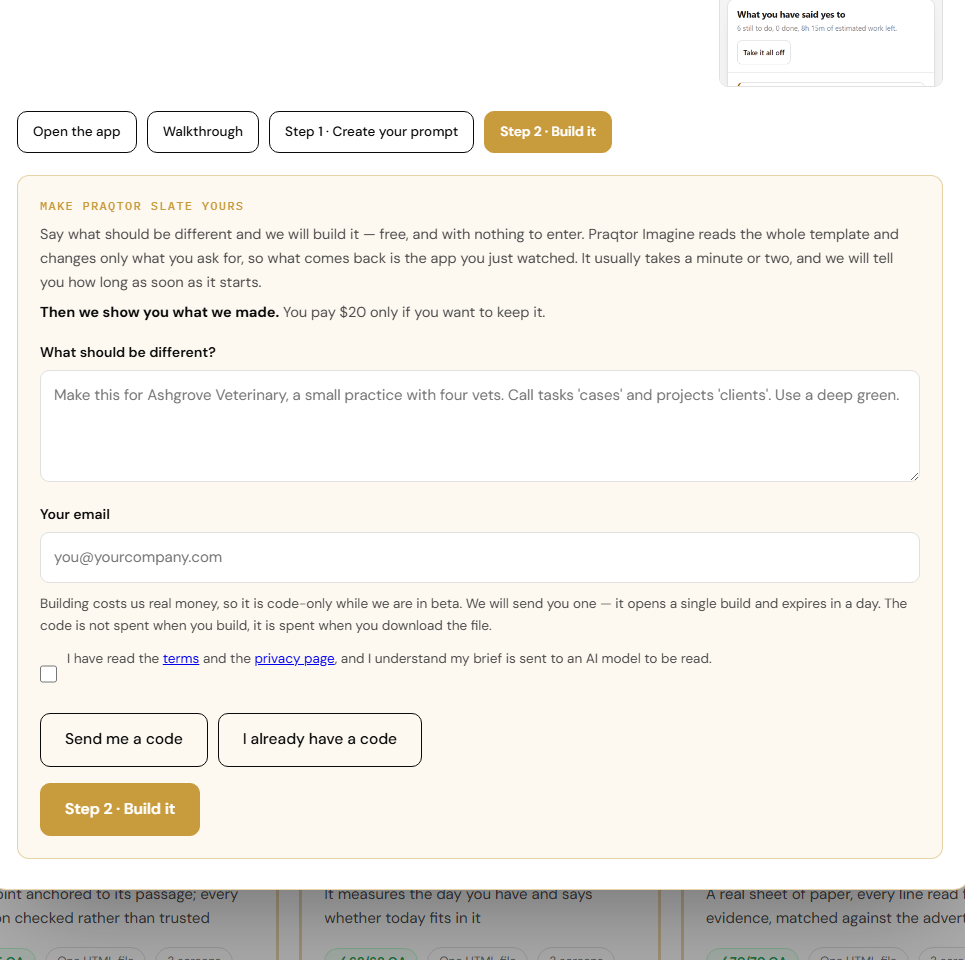
Get a code and build it
Enter your email and press Send me a code. A code arrives in under a minute; it opens one build and expires in a day. Paste it in and press Build.
Watch it, then look at what it made
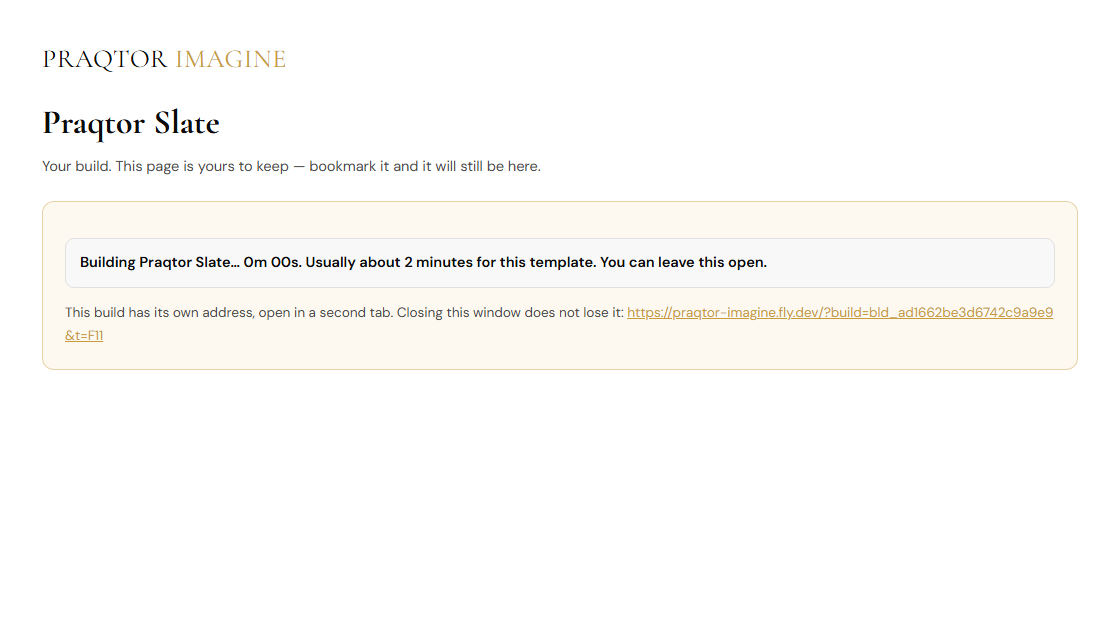
About two minutes. A second tab opens with your build's own address — bookmark it and you can close everything else without losing anything.
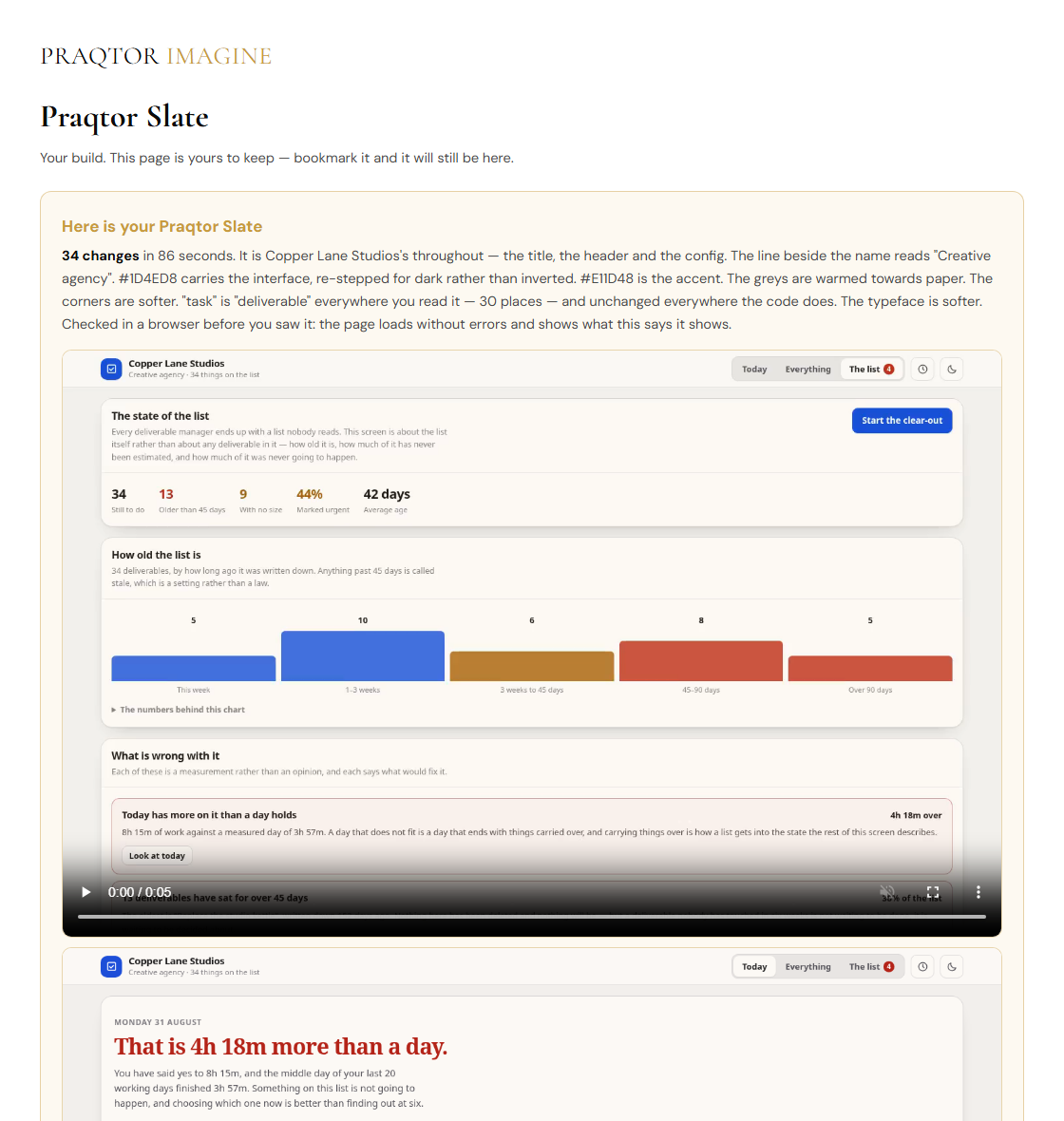
Then you get screenshots of your app, a summary of exactly what changed, and — the part we care most about — a plain list of anything the brief asked for that could not be done. Read that before you decide.
Download it
One self-contained HTML file. It opens by double-clicking, makes no network request of any kind, and has our name nowhere in it. It is yours to use commercially. During the beta the file is released by a code rather than a card, and the download link works once.
Try it
The beta is open. Request your own code on the site — you do not need to ask us first.
Open Praqtor ImagineSomething broken, or a question? hello@praqtordb.com — a person reads it.
This is a private beta. Templates are provided as-is for testing and evaluation.